Scan Any QR Code or Barcode. Create Custom QR Codes in Seconds.
QR Code Reader & Generator gives your iPhone and iPad a blazing-fast camera, photo, and file scanner for 14+ 1D & 2D barcode formats—plus a full studio to design QR codes for Wi-Fi, vCard contacts, links, and barcodes with your own colors and logo.

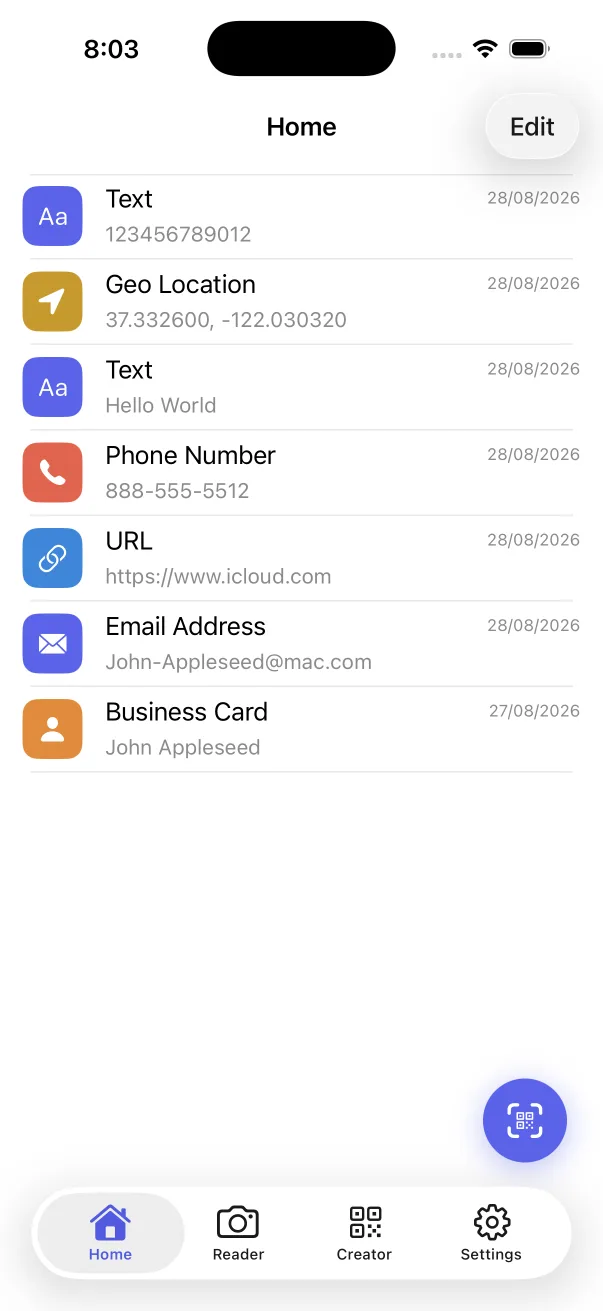
Everything the Built-In iPhone Camera Leaves Out
Apple's Camera app only opens web links in live view. QR Code Reader & Generator turns your iPhone into a complete barcode scanner, validator, and QR design studio.
Scan from Camera, Photos & Files
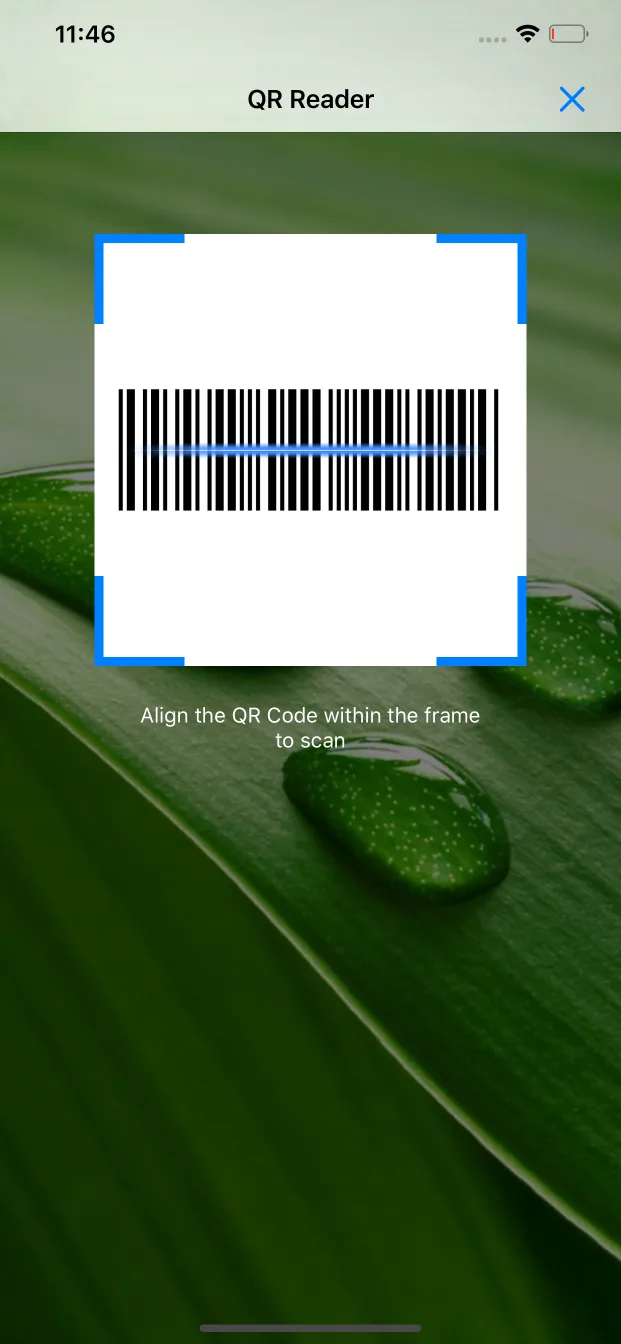
Decode QR codes and retail barcodes in real time with flashlight control—or import screenshots, camera roll photos, and documents straight from the iOS Files app.
Explore Scanner →Custom Colors, Patterns & Logos
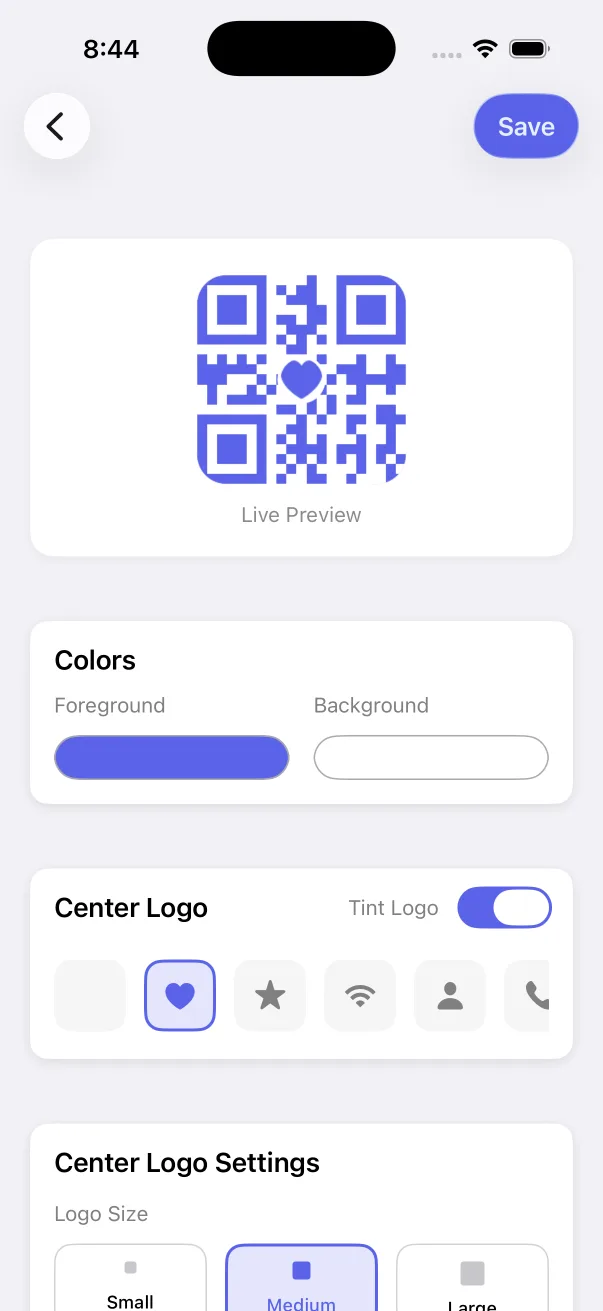
Style QR codes with custom foreground/background colors, Square, Circle, or Rounded dots, and a center icon or custom brand logo—with built-in scan validation.
Explore Customizer →14+ QR Templates (Wi-Fi, vCard & Social)
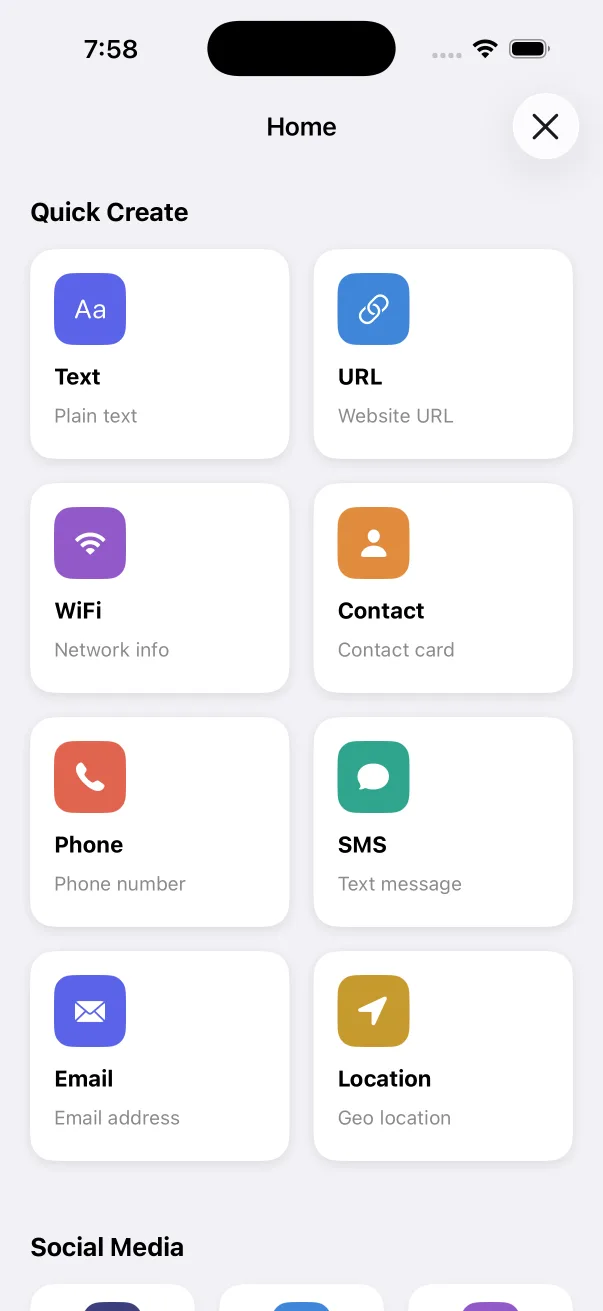
Create QR codes for Website URLs, Wi-Fi networks, vCard/MeCard business cards, Phone, SMS, Email, Geo Location, App Store, Instagram, WhatsApp, X, and YouTube.
Explore QR Creator →1D & 2D Barcode Generator
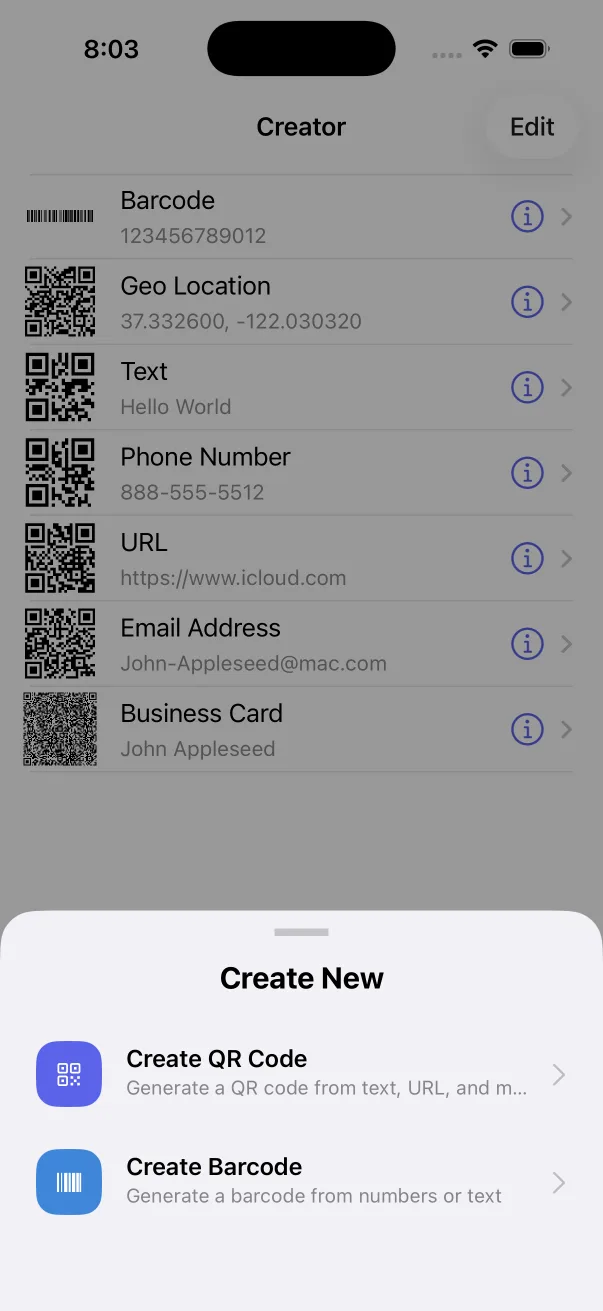
Generate industry-standard Code 128, PDF417, and Aztec barcodes with precise control over width, bar height, quiet zone, data columns, and error correction.
Explore Barcode Studio →Batch Scan & Searchable History
Scan dozens of inventory barcodes or event tickets continuously without stopping, and keep every scanned and created code organized by date on your device.
See How Batch Scan Works →Safe Link Preview & Face ID Lock
Inspect the full decoded URL, Wi-Fi SSID, or contact payload before opening anything, and protect your scan history with Passcode, Touch ID, or Face ID.
Explore Security →Free In-Browser QR & Barcode Tools
Need to generate or decode a code right now on your computer or phone? Use our zero-upload browser tools—everything runs locally on your device.
Free QR Code Generator
Create URL, Text, Wi-Fi, vCard Contact, Email, Phone, and SMS QR codes and download crisp PNG or vector SVG files.
Open QR Generator →Scan QR Code Online
Upload a screenshot or photo—or use your webcam—to decode QR codes and barcodes directly in your browser.
Open Web Scanner →Wi-Fi QR Code Generator
Generate a scannable Wi-Fi QR code and printable guest sign so visitors can join your network without typing passwords.
Create Wi-Fi QR →Barcode Generator Online
Create Code 128, EAN-13, EAN-8, and UPC-A retail barcodes with automatic check digits and instant PNG/SVG export.
Create Barcode →Designed for Speed on iPhone & iPad
Clean native interface with instant camera startup, structured payload views, and real-time QR customization.
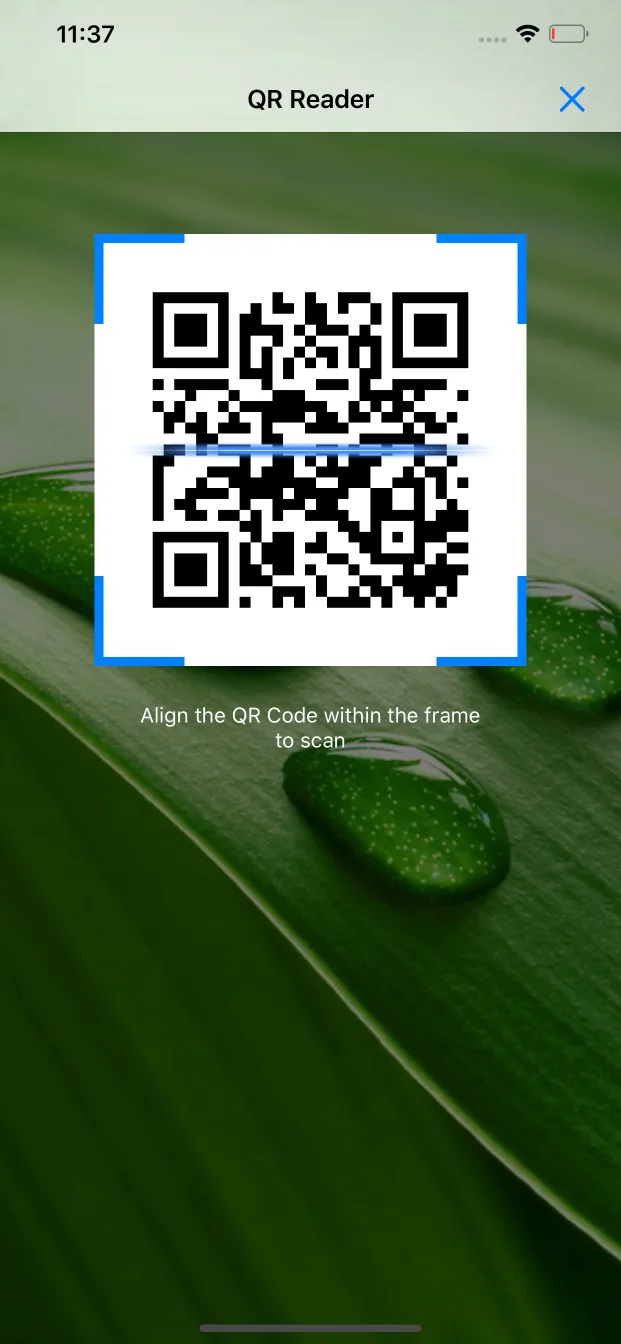
Supported 2D & 1D Barcode Formats
Powered by a dual CoreImage + ZXing decoding engine that reads damaged, low-contrast, and dense industrial codes.
2D Matrix & Stacked Symbologies (Scan & Create)
1D Retail, Logistics & Industrial Barcodes
Smart Structured Payloads
Popular iPhone QR & Barcode Guides
Step-by-step tutorials tested on iOS 18 and iPadOS 18.
How to Scan a QR Code from a Photo or Screenshot on iPhone
Decode QR codes and barcodes saved in your Camera Roll or screenshots in two taps—even when Live Text fails.
Read guide →How to Share Your Wi-Fi Password with a QR Code on iPhone
Create a WPA/WPA2 Wi-Fi QR code that lets guests connect their iPhone, iPad, or Android phone with one scan.
Read guide →How to Create a Custom QR Code with a Logo & Colors on iPhone
Design branded QR codes with custom colors, rounded dot patterns, and your company logo—and validate scannability.
Read guide →How to Scan UPC, EAN & Code 128 Product Barcodes on iPhone
Why the stock iPhone Camera ignores 1D retail barcodes and how to scan UPC, EAN, ISBN, and Code 128 instantly.
Read guide →How to Create a Digital Business Card (vCard) QR Code on iPhone
Share your name, phone number, email, company, and website via a vCard or MeCard QR code that saves straight to Contacts.
Read guide →QR Code Reader & Generator vs. Built-In iPhone Camera
Side-by-side comparison of supported formats, photo/file scanning, history, batch scanning, and QR creation.
See comparison →Frequently Asked Questions
Is QR Code Reader & Generator free to download on iPhone and iPad?
Yes. QR Code Reader & Generator is free on the App Store. You can scan QR codes and barcodes from your camera, Photo Library, or the Files app, view your full scan history, and create standard QR codes (URL, Text, Wi-Fi, Contact, Phone, SMS, Email, Location, and social links) and barcodes (Code 128, PDF417, Aztec) for free. Optional Pro unlocks Batch Scan, custom QR colors, center logos, Face ID / Passcode lock, and an ad-free experience.
Can it scan a QR code from a screenshot or saved photo on iPhone?
Yes. Tap the scan button on the Home tab and choose 'Scan from Photos' to pick any screenshot or photo from your library, or 'Scan from Files' to decode a QR code or barcode inside a saved image or document in the iOS Files app.
Which barcode and 2D code formats are supported?
The scanner decodes QR Code, EAN-13, EAN-8, UPC-A, UPC-E, Code 128, Code 39, Code 93, PDF417, Aztec, Data Matrix, ITF (Interleaved 2 of 5 & ITF-14), Codabar, and GS1 DataBar. The built-in generator creates QR Codes as well as Code 128, PDF417, and Aztec barcodes.
Can I customize QR codes with my brand colors and company logo?
Yes. In the Creator tab, tap Customize on any QR code to pick custom foreground and background colors, switch between Square, Circle, and Rounded dot patterns, add a built-in icon or your own logo image from Photos, adjust logo size and border, and run the built-in Validate tool to confirm your customized code still scans instantaneously.
Does the app work offline and protect my privacy?
Yes. All QR and barcode decoding and generation run 100% on-device using Apple CoreImage and our embedded decoding engine. No account is required, your scans never leave your device, and you can lock the app behind Face ID, Touch ID, or a 4-digit passcode.